Phantom Blade Zero Beginner Guide: 10 Early Tips
Explore side paths for upgrades, dodge red-flash attacks and parry blue-flash attacks, and finish available regional side tales.
Ten tips for the first three hours
- Explore for Blackstone, Sha-Chi Amber and Memory Flowers to improve attack, stamina and maximum HP.
- Examine notes and objects to find side tales and Remnant Dust.
- Use regular attacks to pressure enemies without spending Sha-Chi.
- Dodge unblockable red-flash attacks with RB and parry blue-flash attacks with LB on the default controller layout.
- Dodge smoky black attacks instead of allowing them to drain Sha-Chi.
- Spend Sha-Chi on stronger combos after a parry or a guard break.
- Try each weapon before upgrading; weapon level milestones unlock abilities.
- Use Phantom Edges during encounters and refill their sparks at bells.
- Rest at bells to replenish medicine and Phantom Edge sparks without respawning cleared enemies.
- Complete available side tales before leaving the region because some quests can fail.
PC controls: Red attacks require Dodge (Left Shift); blue attacks allow a timed Block (right mouse button). A precisely timed response can trigger Ghoststep, repositioning Soul behind the opponent. Regular attacks cost no Sha-Chi, while holding Guard drains it. Note that remapped controls may differ.
Early upgrades: Four Blackstone fragments combine into an attack upgrade; four Sha-Chi Amber fragments increase the ability meter. Memory Flowers increase health and can affect certain regional boss encounters. Crimson Forest Memory Flower route.
Sources
Regional collection data originally cross-checked against PowerPyx collectible route guides and the linked region references.
Related guides
Gameplay screenshots and combat video
See the environments and sword combat in official screenshots, then watch the developer's gameplay and story breakdown before choosing a guide. Images are from S-GAME's Steam store listing; they are general gameplay references, not identification photos for any boss below.
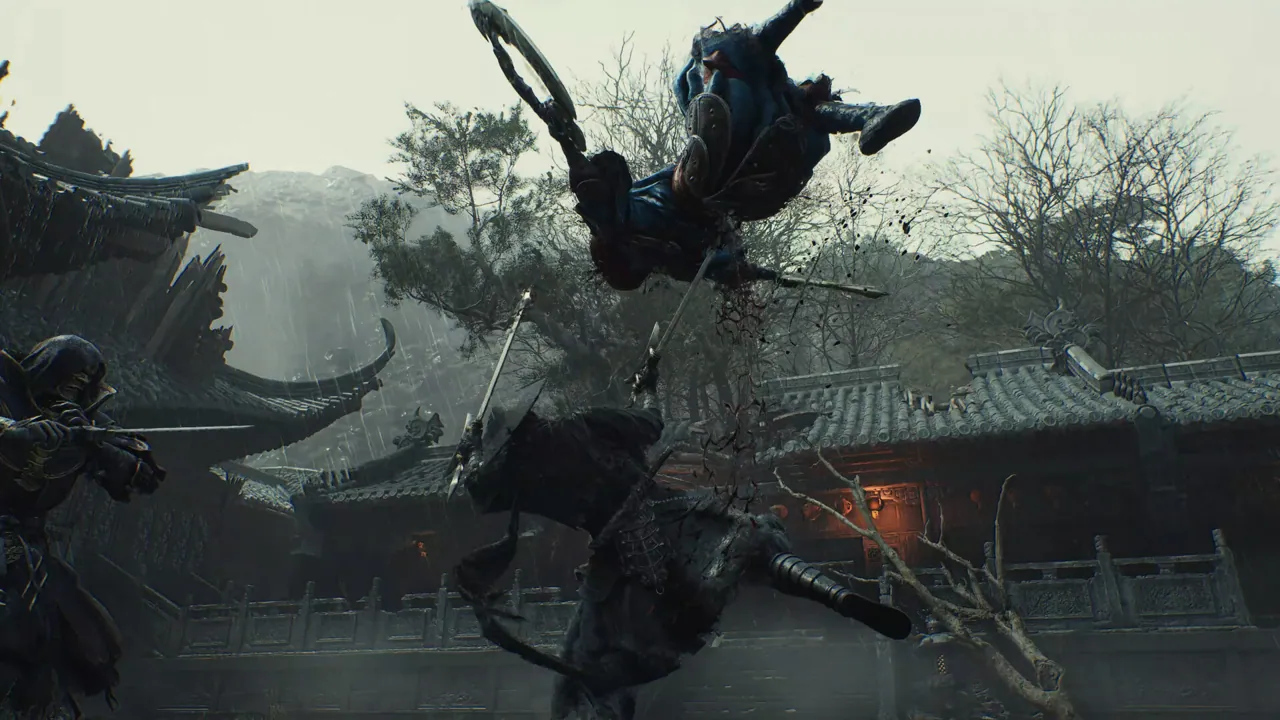
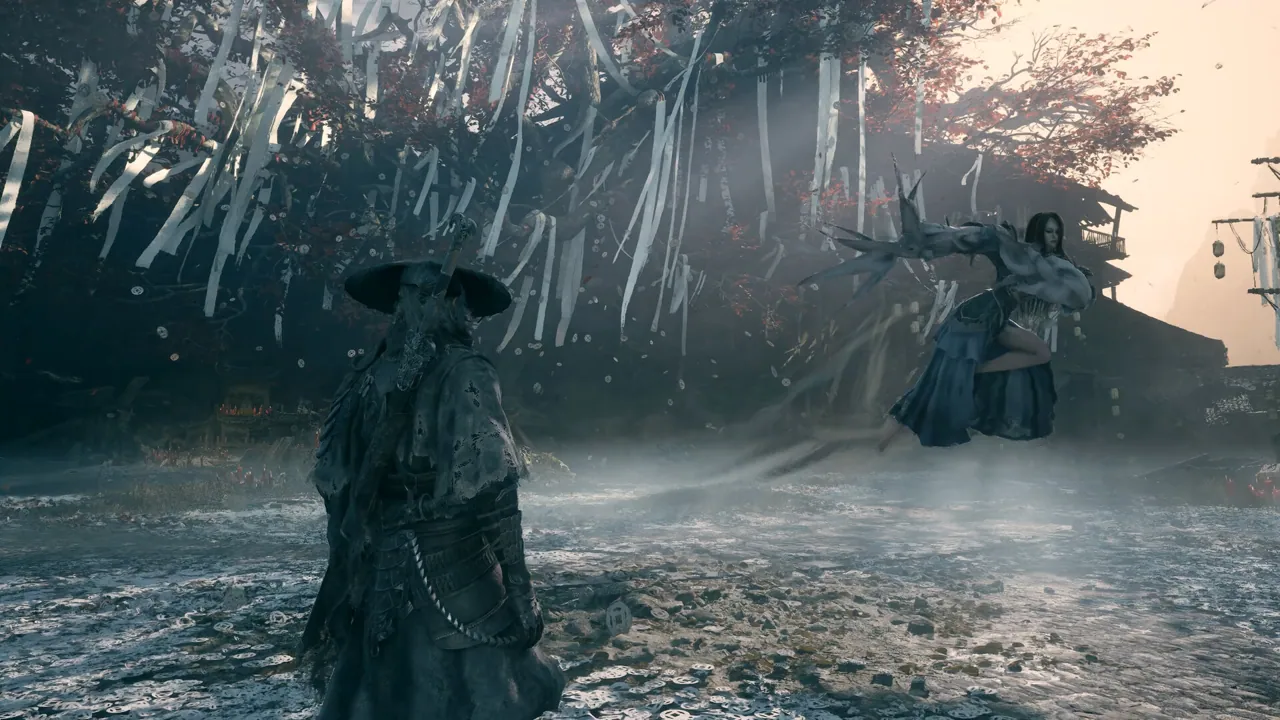
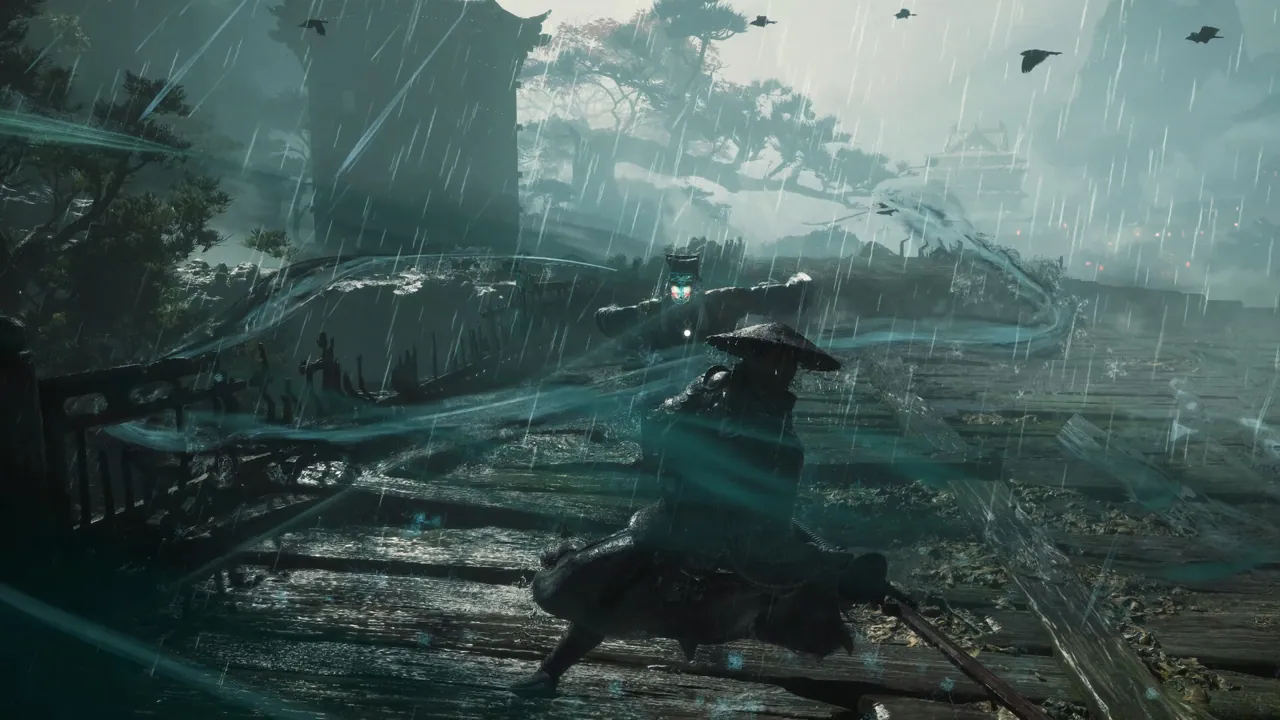
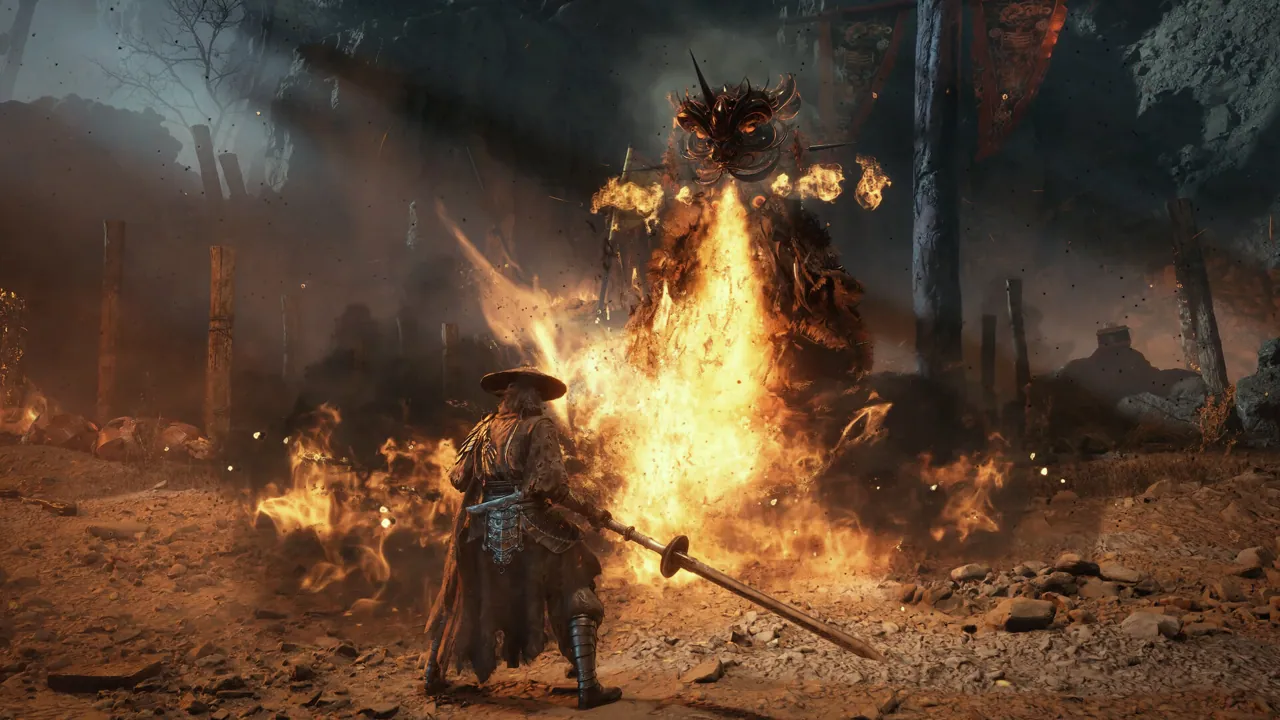
S-GAME · 18-minute official overview of combat, the Wulin and story. Video loads only when selected.
Open on YouTubeCombat tutorial videos: the first skills to practice
Watch the exact mechanic you need instead of a long general walkthrough. Each clip starts at the creator's published chapter time, and the written guide above remains usable without loading YouTube.
- Check your platform-specific bindings in the controls menu.
- Practice one telegraph at a time before committing to full attack strings.
- Use the boss directory to open footage for the exact encounter you are stuck on.
Start at the 3:19 parry/dodge chapter; recognize a single cue, defend once, then reset spacing.
Watch chapter on YouTubeIndependent creator: Fextralife. Game version, control scheme and difficulty may vary.
Start at the 6:58 boss-fighting chapter. Practice the recovery openings shown on screen.
Watch chapter on YouTubeIndependent creator: Boomstick Gaming. Game version, control scheme and difficulty may vary.